Building your knowledge base
Your knowledge base is what Bob knows about your business. The more you put in, the better it answers.
How it works, end to end. You add content — website, documents, Q&As. Bob's AI extracts and structures the information. Bob uses it to answer customer questions, on every channel, around the clock.
1. Open your knowledge base
From your agent dashboard:
- Open your agent's dashboard
- Click My Knowledge in the sidebar
- Your data sources and Q&A pairs live here
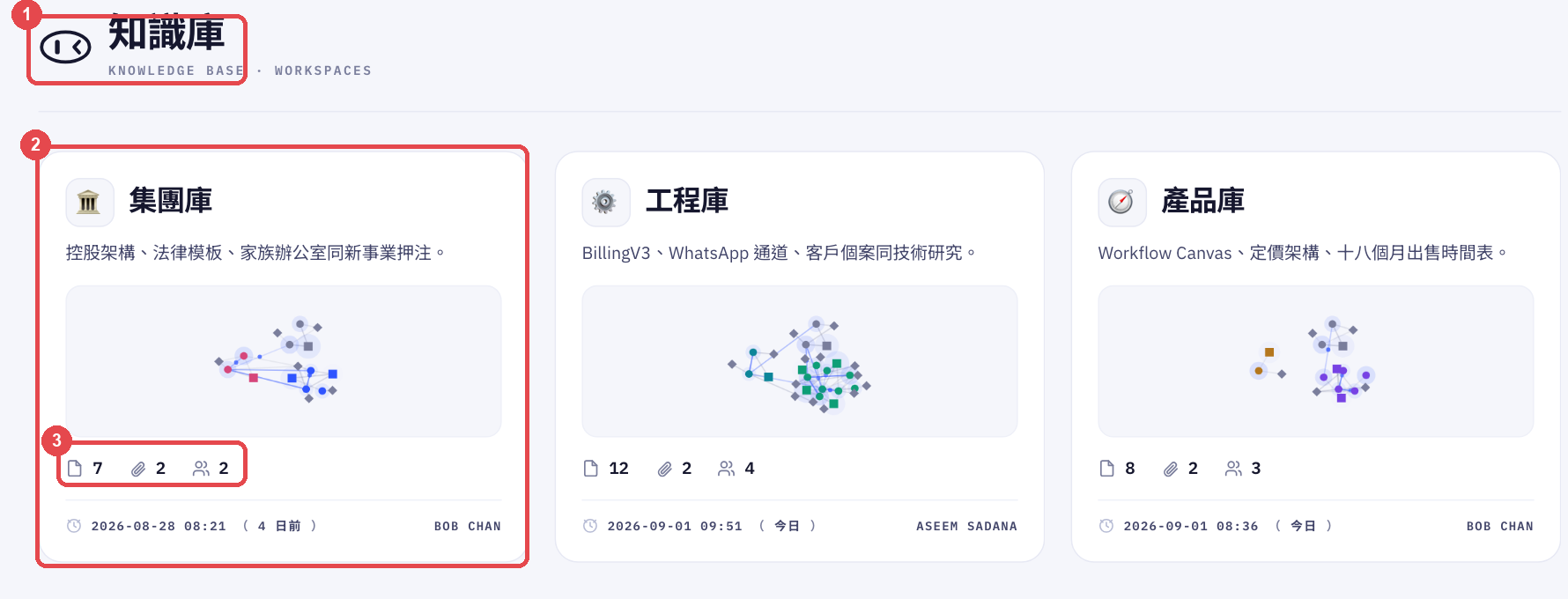
2. Add your content
There are three ways to add content, and most businesses use all three.
Website URL — recommended. Paste your website URL and BobWork crawls your pages: products, services, FAQs, pricing, everything. Most sites finish in one to three minutes.
Upload documents. PDF, Word (.docx) or plain text files — brochures, price lists, SOPs, product manuals. Processed instantly.
Manual Q&A. Individual question-and-answer pairs you write yourself. Useful for the things customers ask that your website has never covered.
3. Generate the knowledge base
After adding your sources, click Generate Knowledge Base. Bob extracts and structures everything into Q&A pairs it can draw on when answering.
Generation takes one to five minutes depending on how much content you added. Do not close the page while it runs.
4. Review the Q&A pairs
After generation, Bob shows every extracted pair. Review them and verify the ones that are correct — verified answers are prioritised when Bob decides what to say.
- Verified — you have confirmed this answer is correct
- Unverified — generated, but not yet reviewed by you
5. Keep it updated
Whenever your products, prices or services change, regenerate so Bob has the current version.
- Go to My Knowledge and click Re-generate
- Bob re-crawls your website and re-processes all documents
- For a quick correction, edit the individual Q&A pair directly instead of regenerating
Getting more out of it
More pages means a smarter Bob. Include your product pages, FAQ page, pricing page and about page — not just the homepage.
Be specific in manual Q&As. If customers keep asking something your website does not cover — delivery areas, the fine print of your return policy — add it by hand.
Regenerate after big changes. Launched a product? Changed prices? Regenerate, or Bob will keep quoting the old ones.
Upload price lists as documents. If your pricing is complex or lives outside your website, a PDF or Word doc works. Bob extracts the detail from it.
Frequently Asked Questions
How long does crawling take?
Most websites finish in one to three minutes. Large sites with hundreds of pages can take up to five. A progress indicator runs while it works.
What file formats can I upload?
PDF, Word (.docx) and plain text (.txt). The content must be readable text — scanned image PDFs without OCR will not extract.
Can I edit a Q&A pair Bob generated?
Yes. Click any pair to edit the question or the answer. Changes save immediately and Bob uses the updated version from that moment.
What if Bob gives a customer a wrong answer?
Find the relevant Q&A pair in My Knowledge, correct the answer and verify it. You can also add a new manual pair to override an incorrect response.
Does the knowledge base apply to every channel?
Yes. The same knowledge base serves WhatsApp, Instagram, Messenger and your web widget. Update it once and it applies everywhere.
Still need help?
Our team is available Mon–Fri, 10 AM–6 PM MYT (GMT+8).